

So you've decided (or were voluntold) to build out a tool or framework for internal use to automate away a workflow problem. Where do you start? What do you have to watch out for? As an engineer who’s built many such tools and frameworks over the years, these are some best practices for delivering a solid internal tool that gets actual adoption by your team:
Start with Outcomes, not Features
Find the biggest pain point this tool would solve and ship the bare minimum to accomplish that one task. This has 2 big benefits. First, you get fast feedback on a common task from the actual intended users of your tool. And second, it greatly eases getting buy-in and adoption. It's much easier to get someone to incorporate incremental improvements to a tool they're already using than it is to get them to switch their entire workflow at once
Prioritize Usability
At a previous company, we had possibly the most powerful and configurable internal tool I've ever worked with. It could do practically everything you'd ever need for that product. And 95% of its functionality went entirely unused by the wider team. The interface was so convoluted it was difficult to even discern what it was capable of, much less how to use it. Usability vs. configurability is a constant trade-off. Over-configurable tools are confusing; over-opinionated tools break edge-case workflows. In the push-pull between the two, usability should win as much as possible because it doesn't matter how great your tool is if no one uses it.
I always follow these guidelines for usability when building a tool or script:
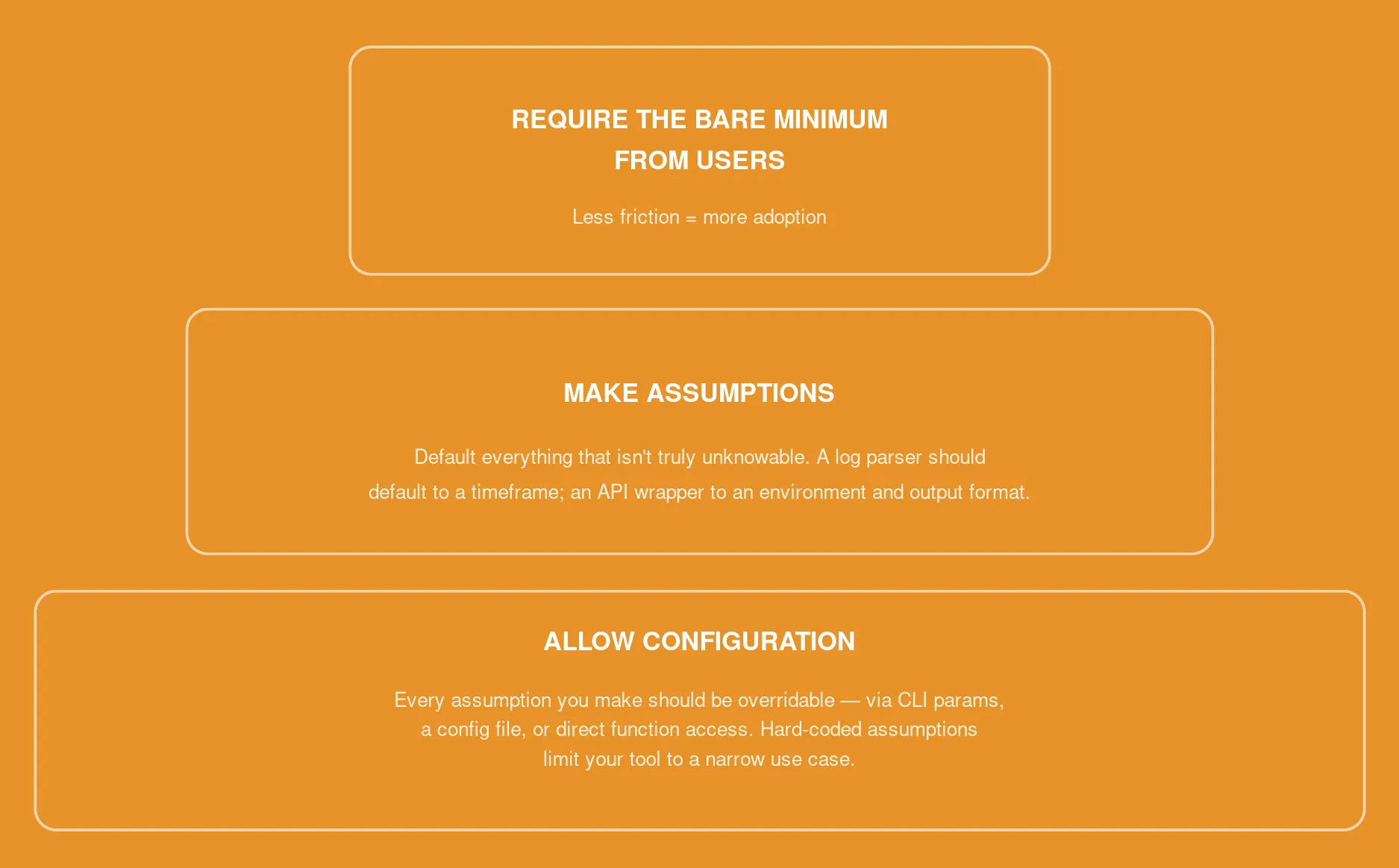
Make sure there is a way for the user to override every assumption you make in the above step. If you hard-code all of those assumptions, the tool will only be useful for a very narrow use case. This can be via CLI params, a config file, or, in the most extreme case, directly exposing the underlying function to the user in some manner
Involve your End Users as Early as Possible
Getting buy-in is as much social as technical. Remember that you're making something that your team members will be incorporating into their daily workflows, so it needs to make those workflows faster and easier. It's important to solicit feedback and feature suggestions and deliver visible quick wins (reduce a 2-hour task to 10 minutes). If your tool isn't going to save them time and effort over their current workflows, you should go back to the drawing board. Change takes effort, so you need to be able to demonstrate a real benefit to taking the time to make that change. If your team is ready to stop working around broken workflows and start building tools that actually stick, RapDev is here to help, so get in touch.



.png)